

Google Messages Adds Keep Notes and Custom Themes Now
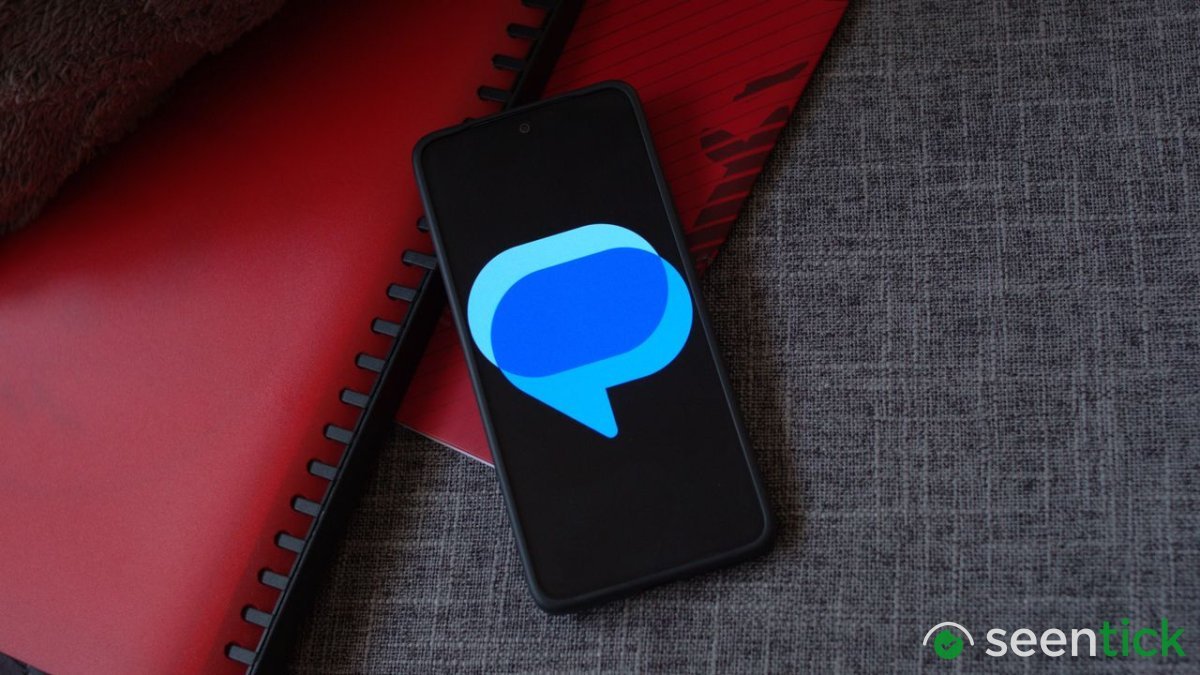
Google Messages Adds Keep Notes and Custom Themes Now
Key Highlights
- Google Messages is adding shared Google Keep notes in the September Android Drop.
- Users can view, edit, and add to shared notes directly inside active chat threads.
- New custom chat themes let users select curated wallpapers or upload personal photos.
- Chat customizations apply only to the user's device and do not alter other participants' screens.
Google's September Android Drop is officially here, and while there is a lot to go over in the latest software release, two standout features for Google Messages are completely stealing the spotlight: custom chat themes and seamless Google Keep integration. These powerful new additions are designed to dramatically enhance how users interact, collaborate, and personalize their daily communications.
Beginning today, millions of users around the world will gain access to tools that make text-based conversations not only much more visually appealing and deeply tailored to individual tastes, but also vastly more functional for real-world coordination, planning, and everyday productivity.
One of the most exciting functional updates is the introduction of native Google Keep integration. Beginning today, you will be able to bring a Keep note directly into a Google Messages conversation. This revolutionary workflow lets everyone in the chat view, edit, and add to shared notes, whether you're building a grocery list or planning a vacation.
The overarching idea appears to be to turn your Messages conversations into the definitive place where plans are actually made and executed. This capability might prove to be particularly handy for busy group chats, where vital information, addresses, and to-do items can easily get lost in the overwhelming flood of rapid-fire messages.
Addition collaborative productivity tools, google
In addition to collaborative productivity tools, Google is also rolling out robust custom Chat themes, which let you set different backgrounds and color treatments for individual conversations. To make this personalization effortless, Google has curated a fantastic variety of wallpapers to choose from-including captivating categories like Animals, Landscapes, Space, and more-or you can upload your own favorite photo straight from your personal device gallery.
Read More: Google TV Streamer and Nest Cameras Price Adjustments Announced Across Key Markets
Google recommends exploring creative combinations, suggesting everything from a cozy latte theme for a coffee buddy to a stunning beach photo for an upcoming vacation group chat. To tie the whole aesthetic together, Messages automatically matches the chat bubble colors to your chosen background.
This implementation goes far beyond the simple “Change colors” option we saw back in 2024, representing a massive upgrade to the platform's visual identity. It is rolling out right now in Google Messages across supported devices.
It is important to remember, however, that these customizations are strictly just for you, so that beautiful beach photo you set for the vacation chat isn’t going to show up unexpectedly on anyone else’s phone. Google actually announced these custom backgrounds and themes a few days ago in a post to the Google Messages Community, so the September Android Drop serves as another exciting confirmation that the feature is officially arriving for users.
As Google continues to push out the September Android Drop to supported devices worldwide, users can expect to see both of these transformative features become much more prominent in their daily messaging routines. Whether you are streamlining complex group logistics with collaborative Google Keep checklists or curating a distinct aesthetic for every single one of your contacts using the rich new custom chat themes, Google Messages is rapidly evolving into a far more versatile communication hub.
Be sure to check your app for availability as the rollout expands to all users.
Google Messages
Also Read: Android 17 QPR2 Beta 4 is Shaping Up to Be Google's Best Beta Yet
September Android Drop
Custom Chat
Google Keep
Jay Bonggolto
Frequently Asked Questions
What's Your Reaction?
 Like
Like
 Dislike
 Love
Love
 Funny
Funny
 Wow
2
Wow
2
 Sad
Sad
 Angry
1
Angry
1

Tech journalist and AI enthusiast who enjoys keeping up with the latest in hardware, processors, emerging AI tools, and software. I like digging into new technology, understanding how things actually work, and following the developments that could shape the way we use technology in the future.





Comments (0)